
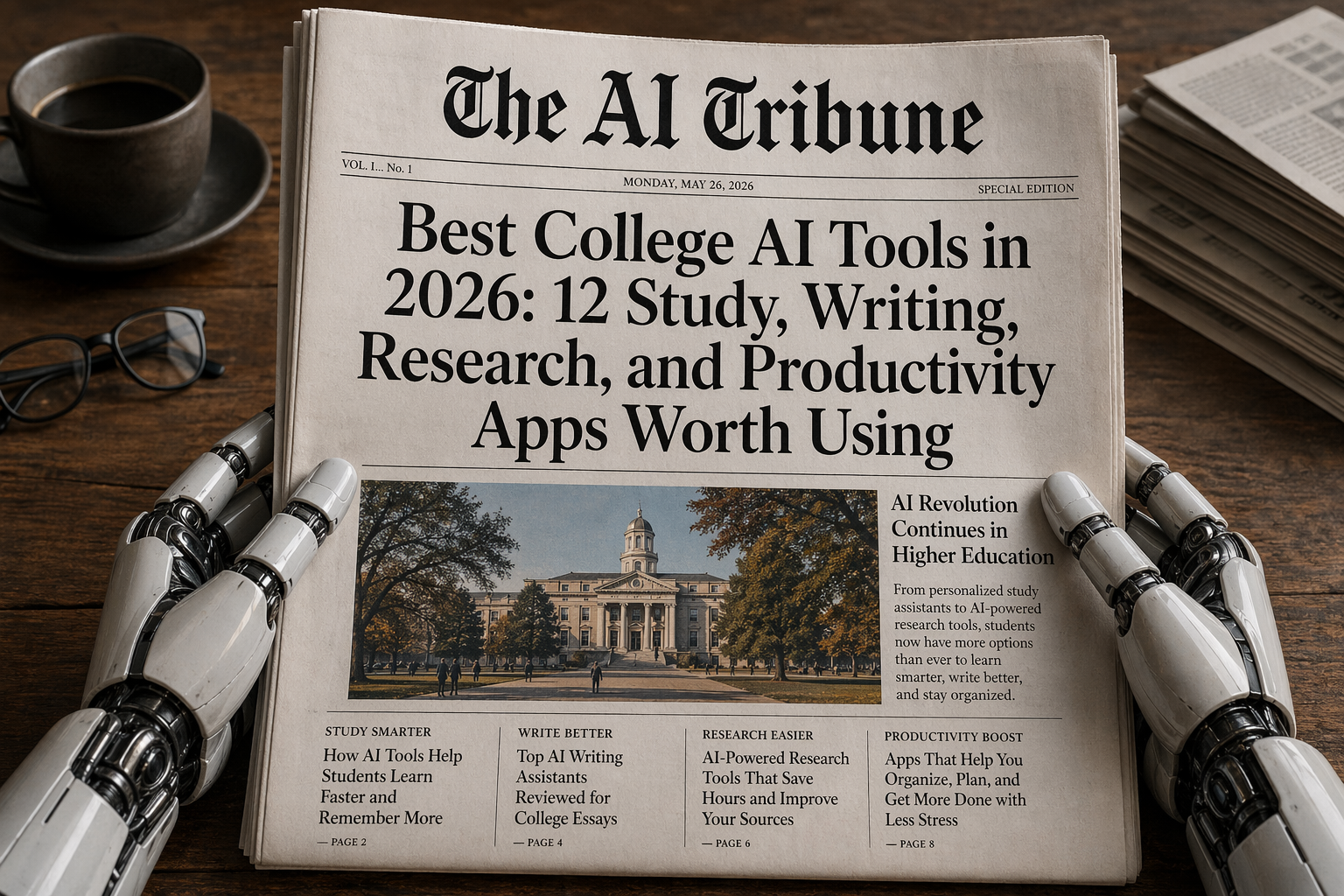
AI in college is no longer that “secret thing” a few students use at 2 a.m. before a deadline. It is now part of everyday academic life.
A 2026 Gallup report found that 57% of U.S. college students use AI in coursework at least weekly, and about one in five use it daily. Students are using AI most often to understand difficult coursework, check answers, improve writing, summarize notes, brainstorm ideas, and do research. (Gallup.com)
That sounds exciting, but it also creates a problem: not every AI tool is good for college.
Some tools are great for learning. Some are better for organizing your semester. Some can help you study for exams. Some can get you into academic trouble if you use them carelessly.
So this guide breaks down the best college AI tools by real student use case: studying, writing, research, citations, lecture notes, coding, presentations, flashcards, and career prep.
And yes, we’ll also talk about the uncomfortable part: how to use these tools without accidentally crossing academic integrity lines. If you’re worried about whether schools can spot AI-written work, AI Tribune has a deeper guide on whether teachers and colleges check for AI.
Why the Best College AI Tools Matter More in 2026
The best college AI tools are not just “essay generators.” Honestly, that is the least interesting way to use them.
The smart use case is this: AI becomes your study assistant, not your replacement brain.
A Coursera higher education report found that more than 95% of surveyed students and educators were using AI in an educational context. Students reported using AI for research, writing support, practice questions or exams, and time management. (Coursera Blog)
That matches how students actually work. You are not just writing papers. You are juggling lecture slides, PDFs, group projects, part-time jobs, internship applications, coding assignments, lab reports, and exams that somehow all happen in the same week.
The problem is that colleges are still catching up. Gallup found that more than half of enrolled students said their school either discourages AI use or bans it, while many students are already using it regularly. (Gallup.com)
That means the real question is not “Should college students use AI?”
They already are.
The better question is: which AI tools help you learn better, save time, and stay within the rules?
Best College AI Tools at a Glance
Here is the quick version before we go deeper.
| AI Tool | Best For | Free Plan? | Best Student Use Case |
|---|---|---|---|
| ChatGPT | General studying, tutoring, writing help, career prep | Yes | Explaining concepts, quizzes, summaries, study plans |
| Google NotebookLM | Notes, PDFs, source-based studying | Yes | Turning course materials into study guides |
| Perplexity | Web research with citations | Yes | Finding sources and getting quick research overviews |
| Elicit | Academic paper research | Yes | Literature reviews and scientific paper summaries |
| Grammarly | Writing, grammar, clarity, plagiarism support | Yes | Editing essays without changing your meaning |
| Quizlet | Flashcards and exam practice | Yes | Memorization, active recall, test prep |
| Otter.ai | Lecture transcription and meeting notes | Yes | Recording lectures, study groups, interviews |
| Notion AI | Organization and planning | Limited AI trial / student education plan | Semester dashboards, assignment trackers |
| GitHub Copilot | Coding help | Student access available, but paused for new sign-ups as of April 20, 2026 | Programming assignments and learning syntax |
| Canva AI | Presentations and visual projects | Yes | Slides, posters, resumes, group projects |
| Google Gemini | Multimodal study and productivity | Yes | Google ecosystem users |
| Claude | Long-document reading and writing feedback | Yes | Long essays, dense readings, careful rewriting |
The Best College AI Tools by Use Case
1. ChatGPT — best all-around AI tool for college students
ChatGPT is probably the best “one tool to start with” because it covers so many student needs: explaining hard concepts, making quizzes, summarizing readings, cleaning up notes, building study plans, practicing interviews, and helping with resumes.
OpenAI’s student page describes ChatGPT as a study partner, career counselor, and everyday assistant. It specifically highlights Study Mode, flashcards, quizzes, PDF and presentation uploads, class organization projects, resume support, interview prep, and schedule planning. (ChatGPT)
Best uses:
Use ChatGPT to explain confusing lectures.
Instead of asking, “Write my essay,” ask: “Explain this concept like I’m a first-year biology student, then quiz me with five questions.”
Use it to create active recall questions.
Paste your notes and ask for multiple-choice questions, short-answer questions, and one “hard professor-style” question.
Use it for career prep.
Ask it to role-play as an interviewer, critique your resume, or help you turn a class project into a portfolio bullet.
Where it can go wrong: ChatGPT can still make mistakes, invent sources, or sound too polished if you let it rewrite your work too aggressively. Treat it like a tutor, not a ghostwriter.
2. Google NotebookLM — best AI tool for lecture notes and course PDFs
NotebookLM is one of the best college AI tools because it is source-based. Instead of asking a chatbot random questions, you upload your own lecture notes, slides, PDFs, readings, or research material, then ask questions based on those sources.
Google’s 2026 Workspace update says NotebookLM added more flexibility for uploading sources, new ways to create and edit visuals, and improvements to interactive study tools. (Workspace Updates Blog)
Best uses:
Turn lecture slides into a study guide.
Upload slides from Week 1 to Week 6 and ask: “Create a study guide organized by theme, not by lecture date.”
Find gaps in your understanding.
Ask: “What are the 10 ideas in these notes that students usually misunderstand?”
Create audio-style review sessions.
NotebookLM’s Audio Overview feature is useful if you like reviewing material while walking, commuting, or cleaning your room.
Where it can go wrong: It is only as good as the sources you upload. If your notes are messy or incomplete, the output can be incomplete too.
3. Perplexity — best college AI tool for research with citations
Perplexity is strong for quick research because it answers with sources. That makes it useful for early-stage research, topic exploration, and finding credible links.
Perplexity’s Education Pro help page says verified students or faculty get access to Pro-plan features, including more citations in answers and file/image uploads. (Perplexity AI)
Online reviews are generally positive about Perplexity’s speed and research usefulness, but users also warn that answers can be shallow or repetitive on complex questions and still need fact-checking. (G2)
Best uses:
Start research faster.
Ask: “Give me a neutral overview of arguments for and against universal basic income, with academic and government sources.”
Find better keywords.
Ask: “What search terms should I use to find peer-reviewed papers on this topic?”
Compare viewpoints.
Ask it to separate expert consensus from controversy.
If you want a deeper breakdown of Perplexity as a search and research tool, AI Tribune already covered it in this Perplexity AI review for 2026.
Where it can go wrong: Do not cite Perplexity itself in your essay. Use it to find sources, then read and cite the original sources.
4. Elicit — best AI tool for academic papers and literature reviews
Elicit is built for scientific and academic research. It helps search papers, summarize findings, extract data, and work with research tables.
Elicit says its basic plan includes unlimited search across more than 138 million papers, unlimited summaries, chat with papers, source viewing, and Zotero import. (Elicit) The company also says it is used by more than 5 million researchersand highlights a case where a team processed 1,600 papers about knee osteoarthritis definitions “10x faster” using Elicit. (Elicit)
Best uses:
Literature reviews.
Ask Elicit to find papers on your research question and compare methods, sample sizes, and conclusions.
Science-heavy majors.
Psychology, medicine, biology, public health, economics, and data science students will probably get more value from Elicit than students writing basic first-year essays.
Finding research gaps.
Ask: “Based on these papers, what questions are still unanswered?”
Where it can go wrong: Elicit can help you map research, but you still need to read important papers yourself. Do not build a whole argument from summaries alone.
5. Grammarly — best AI tool for writing clarity and editing
Grammarly is not just a spellchecker anymore. It now offers grammar, tone, clarity, citation support, plagiarism detection, and AI writing assistance across tools like Google Docs, Microsoft Word, Gmail, LinkedIn, and Outlook. (Grammarly)
Grammarly’s Pro plan lists features such as full-sentence rewrites, tone adjustments, plagiarism and AI-generated text detection, and 2,000 AI prompts. (Grammarly)
Online G2 reviews praise Grammarly for saving editing time, improving clarity, and helping users feel more confident, but some reviewers warn that suggestions can sometimes shift tone or meaning. (G2)
Best uses:
Edit your own draft.
Write the first version yourself, then use Grammarly to catch awkward phrasing, grammar mistakes, and unclear sentences.
Check tone.
This is helpful for emails to professors, internship applications, and group project messages where you want to sound polite but not robotic.
Improve readability.
If your essay sounds like it was written during a caffeine emergency at 1:43 a.m., Grammarly can help clean it up.
Where it can go wrong: Accepting every suggestion can make your writing sound generic. Keep your own voice.
6. Quizlet — best AI tool for flashcards and exam prep
Quizlet is still one of the easiest tools for memorization, and its AI features make it more useful for college students who need active recall.
Quizlet’s AI study tools include personalized practice tests, AI study guides, flashcards, homework help, and adaptive Learn mode, according to its feature page. (Quizlet)
Best uses:
Memorization-heavy classes.
Anatomy, language learning, law terms, history dates, psychology definitions, and biology processes.
Practice tests.
Turn notes into practice questions and test yourself before the real exam.
Spaced repetition.
Use Quizlet over several days instead of cramming everything the night before.
Where it can go wrong: Flashcards can trick you into recognizing terms without deeply understanding them. Pair Quizlet with practice explanations.
7. Otter.ai — best AI tool for lecture transcription and study groups
Otter.ai is useful for students who want lecture transcripts, meeting summaries, or searchable notes from group projects.
Otter’s free Basic plan includes live transcription, speaker identification, audio playback, mobile apps, Zoom/Microsoft Teams/Google Meet support, AI chat across meetings, and 300 monthly transcription minutes. (Otter.ai)
G2’s review summary says users praise Otter for real-time transcription and automatic meeting summaries, but also note that transcription accuracy can drop with accents and background noise. (G2)
Best uses:
Lectures.
Record only if your professor and school policy allow it.
Study groups.
Use Otter to summarize what everyone agreed to do.
Interviews.
Great for journalism, research, sociology, business, or capstone projects.
Where it can go wrong: Transcripts are not perfect. Always review important details manually.
8. Notion AI — best college AI tool for organization
Notion is great for building a personal college dashboard: assignments, due dates, class notes, reading lists, internship applications, project trackers, and exam schedules.
Notion’s education plan gives individual students and teachers a free Plus Plan for a one-member workspace if they sign in with an eligible education institution email. It includes unlimited uploads and 30-day page edit history. (Notion)
Best uses:
Semester dashboard.
Create one page with every class, professor email, assignment deadline, exam date, and reading list.
AI summaries.
Summarize messy notes into clean bullet points.
Project management.
Track group project tasks so nobody says, “Wait, I thought you were doing the slides.”
Where it can go wrong: Notion can become procrastination disguised as productivity. Do not spend six hours designing a dashboard instead of studying.
9. GitHub Copilot — best AI tool for coding students
For computer science, software engineering, data science, and IT students, GitHub Copilot can be a powerful coding assistant.
GitHub says verified students get free access to Copilot’s premium features, but its docs also note that new sign-ups for Copilot Pro, Copilot Pro+, and student plans were temporarily paused starting April 20, 2026. (GitHub Docs)
Best uses:
Learning syntax.
Ask Copilot to suggest code while you learn Python, JavaScript, Java, or C++.
Debugging.
Use it to explain why your code fails.
Understanding unfamiliar code.
Ask it to explain a function line by line.
AI Tribune has a full GitHub Copilot review for 2026 if you want to compare it with other coding tools.
Where it can go wrong: If you let Copilot write code you do not understand, you will suffer during exams, interviews, and debugging. Use it as a tutor, not a copy-paste machine.
10. Canva AI — best AI tool for presentations, posters, and resumes
Canva is useful for college students because not every assignment is a written essay. Sometimes you need a slide deck, infographic, poster, resume, club flyer, or group presentation.
Canva’s student page highlights presentations, docs, whiteboards, AI-powered design tools, real-time group collaboration, resume templates, Magic Write, and job application resources. (Canva)
Best uses:
Group presentations.
Make clean slides fast.
Posters and visual assignments.
Useful for science fairs, clubs, events, and campus organizations.
Career prep.
Build a resume or portfolio that does not look like it was formatted in panic mode.
Where it can go wrong: Pretty design does not fix weak content. Use Canva after your argument is solid.
How to Use AI in College Without Getting in Trouble
This is the part students cannot ignore.
The best college AI tools can help you learn faster, but they can also create academic integrity problems if you use them carelessly.
A safe rule is this:
AI can help you think, organize, practice, and revise. It should not secretly replace your thinking, your research, or your final submitted work.
Oxford’s student guidance says generative AI should be used responsibly, ethically, transparently, and with a critical approach to outputs. (Oxford University) Purdue’s generative AI guidance also emphasizes integrity, transparency, and data security when using AI-generated content. (Purdue University IT)
Here is a practical college-safe framework:
Allowed in many classes, but still check first:
Using AI to explain concepts, make flashcards, create practice quizzes, summarize your own notes, brainstorm paper topics, organize schedules, or improve grammar.
Risky unless your professor allows it:
Using AI to draft paragraphs, rewrite full sections, generate citations, solve graded homework, write code for assignments, or produce discussion board posts.
Usually dangerous:
Submitting AI-generated work as your own, inventing sources, using AI during closed-book exams, or hiding AI use when disclosure is required.
Also, do not assume AI detectors are perfect. Turnitin’s own AI writing report guidance says false positives are possible. (Turnitin Guides) That is why students should keep drafts, outlines, notes, Google Docs version history, and research logs.
And if you are applying to selective programs, scholarships, or medical school, be extra careful. AI use in admissions writing is a different risk category than using AI to quiz yourself for biology. AI Tribune covers that in more detail here: do scholarships and med schools check for AI?
Best Free AI Tools for College Students on a Budget
College students do not need to pay for everything.
A smart free AI stack could look like this:
ChatGPT free plan for explanations, quizzes, brainstorming, and study planning.
NotebookLM for source-based notes and PDF studying.
Perplexity free plan for quick research and source discovery.
Elicit Basic for academic paper searching and summaries.
Grammarly Free for grammar and basic writing help.
Quizlet Free for flashcards and practice.
Canva Free for presentations and visuals.
Otter.ai Basic for limited transcription minutes.
Notion Education Plus if your school email qualifies.
If you only choose three, I would start with:
ChatGPT + NotebookLM + Grammarly
That gives you a tutor, a course-material study assistant, and a writing editor.
If you are research-heavy, swap Grammarly for Elicit or Perplexity.
If you are in computer science, add GitHub Copilot if student access is available to you.
FAQ: Best College AI Tools
What is the best AI tool for college students overall?
ChatGPT is the best overall AI tool for most college students because it can help with studying, explanations, quizzes, PDF summaries, writing feedback, scheduling, and career prep. But for source-based studying, NotebookLM may be better.
What is the best AI tool for college research?
Perplexity is strong for web research with sources, while Elicit is better for academic papers and literature reviews. Use Perplexity to explore a topic and Elicit to dig into scholarly research.
What is the best AI tool for writing college essays?
Grammarly is one of the best tools for editing clarity, grammar, tone, and readability. ChatGPT can help brainstorm and outline, but students should avoid submitting AI-written essays as their own.
Can colleges detect AI writing?
Many colleges use plagiarism tools, AI detection tools, professor judgment, writing history, oral follow-ups, and assignment design. But AI detectors can produce false positives, so students should keep drafts and follow class AI policies.
Are AI tools allowed in college?
It depends on the school, professor, assignment, and course policy. Some professors allow AI for brainstorming and grammar help but ban it for drafting or solving graded work. Always check the syllabus.
What AI tool is best for lecture notes?
NotebookLM is excellent for turning uploaded notes, slides, and readings into study guides. Otter.ai is useful for transcription if recording is allowed.
What AI tool is best for coding students?
GitHub Copilot is one of the strongest AI coding assistants for students, especially for syntax help, debugging, and code explanations. But students should understand every line before submitting anything.
Final Verdict: The Best College AI Tools Are the Ones That Help You Learn
The best college AI tools in 2026 are not the ones that help students “cheat smarter.”
They are the ones that help students learn faster, organize better, research more carefully, write more clearly, and prepare for careers where AI literacy will be expected.
If you want the simplest setup, use:
ChatGPT for tutoring and study planning.
NotebookLM for course materials.
Perplexity or Elicit for research.
Grammarly for editing.
Quizlet for exam practice.
Notion for organization.
Canva for presentations.
GitHub Copilot if you code.
The real skill is not just knowing which tool to open. It is knowing when to use AI, when to verify it, when to disclose it, and when to close the laptop and think for yourself.
Now I’m curious: which AI tool has actually helped you in college, and which one felt overhyped? Share your experience in the comments — especially if you found a tool that deserves to be on this list.


Leave a Reply