
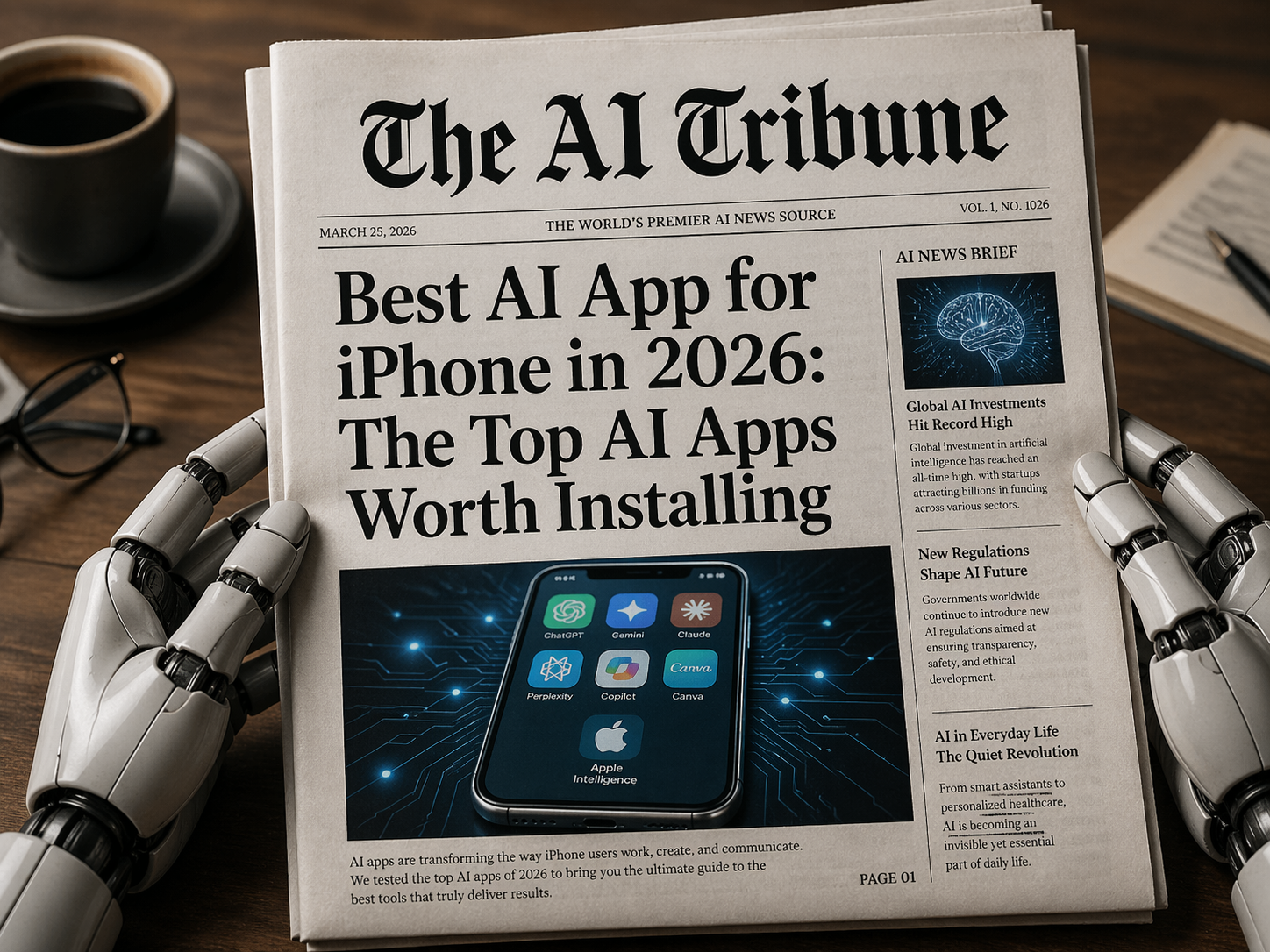
Finding the best AI app for iPhone is weirdly harder than it should be.
Open the App Store, type “AI,” and suddenly every app claims it can write your emails, plan your trips, edit your photos, summarize your life, fix your business, and maybe raise your children too. Some are genuinely useful. Some are just a chatbot wrapper with a shiny icon and a subscription screen that appears before the app even proves itself.
So here is the simple answer: ChatGPT is the best AI app for iPhone for most people in 2026. It is flexible, fast, polished, easy to use with voice, useful for writing and research, and strong enough for both casual users and professionals. On the U.S. App Store, ChatGPT currently shows about 6.8 million ratings with a 4.8-star average, which is a serious signal that it has moved far beyond “tech nerd toy” status. (App Store)
But that does not mean ChatGPT is automatically the best choice for every single iPhone user.
If you want AI search with sources, Perplexity may be better. If you live inside Google apps, Gemini makes a lot of sense. If you write long documents, Claude deserves a serious look. If you create social media graphics, Canva may be more useful than any chatbot. And if you have a newer iPhone, Apple Intelligence is now part of the system itself on supported devices, not just another app you download. (Apple Support)
Let’s break it down properly.
Quick Verdict: What Is the Best AI App for iPhone?
If you only want one AI app on your iPhone, install ChatGPT first.
It is the safest all-around pick because it can help with writing, brainstorming, image generation, voice conversations, coding help, study support, travel planning, email drafts, explanations, and quick everyday problem-solving. OpenAI’s App Store listing says the iPhone app is free, syncs history across devices, includes image generation, and supports Advanced Voice Mode for real-time conversations. (App Store)
Here is the quick comparison:
| Use Case | Best AI App for iPhone | Why It Wins |
|---|---|---|
| Best overall AI app | ChatGPT | Strong all-purpose assistant for writing, voice, research, images, and productivity |
| Best AI search app | Perplexity | Great for source-backed answers and quick research |
| Best for Google users | Google Gemini | Works naturally with Google Search, YouTube, Maps, Gmail, and Google’s AI tools |
| Best for writing and deep thinking | Claude | Excellent for long-form writing, analysis, tone, and document-style work |
| Best for Microsoft users | Microsoft Copilot | Useful if you already use Microsoft 365, Outlook, Word, or Edge |
| Best for design and social posts | Canva | AI photo, video, design, templates, and quick visual content creation |
| Best built-in iPhone AI | Apple Intelligence | System-level AI features inside iOS on supported iPhones |
The best way to think about it is this: ChatGPT is the best AI app for iPhone overall, but the “best” app depends on what you actually do on your phone.
That matters because AI is no longer one category. It is not just chatbots anymore. It is search, writing, photo editing, voice assistants, app builders, note summaries, email agents, study tools, business automations, and creative assistants. We are already seeing this shift in areas like AI app builders improving user engagement, where the real value is not just “AI exists,” but whether it actually helps people do something faster or better.
1. ChatGPT: Best AI App for iPhone Overall
Best for: most iPhone users, students, writers, creators, business owners, travelers, and anyone who wants one AI app that does a bit of everything.
ChatGPT is the app I would recommend to someone who says, “I don’t want to test 12 AI apps. Just tell me what to install.”
It is useful in those tiny everyday moments where AI suddenly makes sense. You are at a restaurant and want to translate something. You need to rewrite a message so it sounds polite but not fake. You are staring at an email and thinking, “How do I say no without sounding rude?” You want a quick content idea, a packing list, a recipe adjustment, a simple explanation of a legal-looking document, or a better headline for an article.
That is where ChatGPT feels strongest on iPhone. It is not only for big “productivity bro” workflows. It is also useful for normal phone moments.
Why ChatGPT is the best AI app for iPhone:
It handles many jobs in one place. You can ask questions, write drafts, summarize text, generate ideas, analyze images, create images, and use voice.
It has one of the strongest iPhone app reputations. The App Store listing shows around 6.8 million ratings and a 4.8-star average, which is far ahead of most AI apps by review volume. (App Store)
It works well as a voice assistant. OpenAI says the mobile app supports real-time voice conversations through the soundwave icon, making it more natural for walking, driving, cooking, or practicing a language. (ChatGPT)
It now has serious image tools. OpenAI’s April 2026 release notes introduced ChatGPT Images 2.0 across ChatGPT plans, with “images with thinking” available on paid plans. (OpenAI Help Center)
A practical example: imagine you are writing a short Instagram caption for a new AI tool, then you need a matching blog intro, then you want a simple graphic idea for the post. ChatGPT can help with all three without forcing you to jump between apps.
Where ChatGPT is not perfect: it can still make mistakes, especially with current facts, legal details, medical advice, or very specific numbers. For serious research, use sources. For sensitive topics, double-check everything. This is especially important in education, where AI use can have consequences; we covered that issue in more detail in Do Scholarships and Med Schools Check for AI?
Bottom line: ChatGPT is the best AI app for iPhone if you want one app that can handle the most different tasks with the least friction.
2. Perplexity: Best AI App for iPhone for Search and Research
Best for: researchers, journalists, students, bloggers, analysts, shoppers, and anyone tired of opening 15 browser tabs.
Perplexity is not just another chatbot. Its biggest strength is that it behaves more like an AI answer engine. It gives you answers with sources, follow-up questions, and a research-style interface that feels more focused than a normal chatbot.
Perplexity’s App Store listing says the app provides answers backed by sources and citations, with features like Pro Search, Deep Research, thread follow-ups, and access to top AI models from OpenAI, Anthropic, Meta, and others. (App Store)
That makes it especially good for people who write articles, compare products, research news, or need fast summaries of complex topics. For example, if you are writing about AI regulation, the latest iPhone features, or whether a startup is legit, Perplexity is often a better first stop than a generic chatbot because it keeps source-checking closer to the surface.
The app also has strong App Store numbers: Perplexity’s U.S. App Store listing shows around 450,000 ratings with a 4.8-star average. (App Store)
Online reviews are mostly positive around speed and research usefulness. One App Store reviewer described it as a time-saving tool and strong source finder, while another praised it as a fast and comprehensive AI search engine. (App Store)
Where Perplexity is not perfect: it can still summarize sources imperfectly, and the best features may sit behind paid plans. Also, if you want a warm writing partner or a creative brainstormer, ChatGPT or Claude may feel more natural.
Bottom line: Perplexity is the best AI app for iPhone if your main goal is research, search, citations, and quick answers with sources.
3. Google Gemini: Best AI App for iPhone for Google Users
Best for: people who use Gmail, Google Maps, YouTube, Google Search, Google Docs, and Google Calendar heavily.
Gemini is a very strong iPhone AI app if your digital life already runs through Google.
The App Store listing says Gemini can connect with Google apps like Search, YouTube, Google Maps, Gmail, and more. It also highlights features such as image creation, file-to-podcast style listening, trip planning, deep dives with source links, and brainstorming help. (App Store)
That makes Gemini especially interesting for “real life” tasks. Planning a trip? Gemini can work with Google Maps and YouTube-style discovery. Sorting an email idea? Gmail context matters. Looking for a quick explanation of something you saw online? Google integration is a major advantage.
Google also promotes Gemini Canvas, which can turn ideas into apps, games, webpages, infographics, quizzes, and prototypes. (Gemini)
That is part of a bigger trend: AI apps are moving from “answer my question” to “help me build something.” You can see a similar shift in tools like Kimi, which we covered in our Kimi AI Review 2026, where the most useful AI tools are not always the loudest ones but the ones that fit naturally into your workflow.
Where Gemini is not perfect: some users still complain about inconsistent image generation or uneven answers. One App Store review praised Gemini as useful for directions, weather, code, and daily searching, while another review liked the concept but criticized image generation problems and occasional weak results. (App Store)
Bottom line: Gemini may be the best AI app for iPhone if you are deeply inside the Google ecosystem.
4. Claude: Best AI App for iPhone for Writing, Thinking, and Long Answers
Best for: writers, founders, students, consultants, researchers, and people who want thoughtful long-form responses.
Claude is the AI app I would recommend to someone who says, “I don’t just want quick answers. I want help thinking.”
Anthropic’s App Store listing describes Claude as an AI assistant for writing, research, coding, and complex problem-solving. The listing also emphasizes tone, structure, clarity, and turning rough thinking into polished work. (App Store)
That is exactly where Claude shines. It is very good at editing, explaining, restructuring messy notes, creating outlines, reviewing long documents, and helping with nuanced writing.
Claude’s U.S. App Store listing shows around 115,000 ratings with a 4.7-star average. (App Store)
Its Artifacts feature is also useful if you want to build or edit substantial pieces of content in a separate workspace. Anthropic says Artifacts can help turn ideas into shareable apps, tools, visualizations, and standalone content. (Claude Help Center)
Online reviews show both love and frustration. One reviewer praised Claude’s natural conversation style and project usefulness, while another called it good but limited because free-tier chats can run out. (App Store)
Where Claude is not perfect: free usage limits can be annoying, and it may not be the best choice if your main need is real-time search or image generation.
Bottom line: Claude is one of the best AI apps for iPhone if you write, think, analyze, plan, or work with long text.
5. Microsoft Copilot: Best AI App for iPhone for Microsoft Users
Best for: people who use Microsoft 365, Word, Excel, Outlook, Teams, Edge, or OneDrive.
Microsoft Copilot is not always the most exciting AI app, but it can be very practical if your work life already depends on Microsoft tools.
The U.S. App Store listing for Microsoft Copilot shows about 383,000 ratings with a 4.8-star average, while Microsoft 365 Copilot shows about 1.3 million ratings with a 4.7-star average. (App Store)
Copilot makes sense for people who want AI help inside the productivity stack they already use. Drafting an email? Summarizing a document? Asking questions while working through Microsoft tools? That is where Copilot becomes more useful.
One App Store reviewer described Copilot as helpful for getting certain tasks done, though user feedback also shows people still want better chat organization and richer media features. (App Store)
Where Copilot is not perfect: if you do not use Microsoft products, it may feel less essential than ChatGPT, Gemini, Perplexity, or Claude.
Bottom line: Microsoft Copilot is the best AI app for iPhone if Microsoft 365 is already part of your daily workflow.
6. Canva: Best AI App for iPhone for Design, Social Media, and Visual Content
Best for: creators, small businesses, students, marketers, social media managers, and anyone making graphics from their phone.
Canva is not just a design app anymore. It is now one of the most practical AI apps on iPhone because it helps you create things people can actually see: Instagram posts, thumbnails, flyers, reels, presentations, logos, posters, and short videos.
The U.S. App Store listing for Canva: AI Video & Photo Editor shows around 3.3 million ratings, a 4.9-star average, and an Editors’ Choice label. (App Store)
That rating matters because Canva is not only being judged by AI fans. It is being used by normal people who need quick graphics without learning Photoshop.
Online reviews reflect that. One reviewer praised Canva for making digital art accessible to small businesses and solopreneurs, while another said the creative process is strong but complained about bugs in the iPhone and iPad app experience. (App Store)
This is also where AI gets more practical for businesses. The question is not “Can this app talk like a human?” The question is “Can this app help me make a better post, faster?” That same practical lens is useful when looking at business AI tools, like in our guide to the best AI voice receptionist for businesses, where the winner is not the flashiest tool but the one that actually helps customers.
Where Canva is not perfect: it is not a deep research assistant or general chatbot replacement. It is best when your output is visual.
Bottom line: Canva is the best AI app for iPhone if your main goal is content creation, design, social media, or marketing visuals.
7. Apple Intelligence: Best Built-In AI for iPhone
Best for: supported iPhone users who want AI built into the phone itself.
Apple Intelligence is different from the other options because it is not really a single app. It is Apple’s system-level AI layer across iOS.
Apple says Apple Intelligence in iOS 26 is integrated across apps and experiences to help users communicate, express themselves, and get things done, while emphasizing privacy. Apple also notes that it is not available on all iPhone models, languages, or regions. (Apple Support)
Apple’s compatibility list includes newer devices such as iPhone 17 models, iPhone Air, iPhone 16 models, iPhone 16e, iPhone 15 Pro, and iPhone 15 Pro Max. (Apple)
One of the most important features is ChatGPT integration. Apple says users can allow Apple Intelligence to work with ChatGPT so Siri can provide deeper answers and Writing Tools can create text or images from descriptions. (Apple Support)
That means the “best AI app for iPhone” conversation is changing. In 2024 and 2025, the main question was “Which AI app should I download?” In 2026, the better question is becoming: “Which AI apps work best with the AI already built into my iPhone?”
Where Apple Intelligence is not perfect: device support is limited, regional availability can vary, and it still may not replace a full AI assistant like ChatGPT, Perplexity, Gemini, or Claude.
Bottom line: Apple Intelligence is the best built-in AI experience for supported iPhones, but you will probably still want a dedicated AI app too.
How to Choose the Best AI App for iPhone
The best AI app for iPhone is the one you will actually use.
Here is a simple decision guide:
Choose ChatGPT if you want one powerful all-purpose AI assistant for writing, voice, images, planning, brainstorming, coding help, and everyday questions.
Choose Perplexity if you care about sources, search, research, news, comparisons, and fact-checking.
Choose Gemini if you use Google services all day and want AI connected to your existing Google ecosystem.
Choose Claude if you write long content, need thoughtful analysis, or want a more careful assistant for documents and planning.
Choose Copilot if your work life is built around Microsoft 365.
Choose Canva if you want to make graphics, thumbnails, social media posts, presentations, and marketing visuals from your iPhone.
Use Apple Intelligence if your iPhone supports it and you want AI features built into iOS itself.
A good personal setup for 2026 would be:
ChatGPT + Perplexity + Canva
That gives you one general assistant, one research assistant, and one visual creation tool. For most iPhone users, that trio covers 90% of what people actually want AI to do on a phone.
If you are more business-focused, add Claude or Copilot. If you are more Google-focused, add Gemini. If you are worried about fake tools, scams, or suspicious AI apps, read our guide on how to spot and beat dangerous AI scams before downloading random “AI assistant” apps with aggressive subscriptions.
Real Reviews: What iPhone Users Love and Hate About AI Apps
The most useful pattern from online reviews is this: users love AI apps when they save time, but they get annoyed quickly when the app is slow, buggy, limited, or too pushy with subscriptions.
ChatGPT users seem to reward the app for being flexible and polished. The huge review count and 4.8-star rating suggest it has become the default AI app for many iPhone users. (App Store)
Perplexity users often praise speed and research quality. Reviews describe it as a time saver and a strong AI search tool, though some users complain about lag or UX issues depending on platform and version. (App Store)
Gemini users like its Google connection, but reviews also show frustration when image generation or advanced tasks do not behave as expected. (App Store)
Claude users often praise the writing quality and natural tone, but free-tier limits are a common complaint. (App Store)
Canva users love the creative power, especially for small businesses and creators, but some reviews complain that the mobile app can be buggy compared with the browser version. (App Store)
That is why this ranking is not just about which AI model is “smartest.” On iPhone, the best AI app also has to feel smooth, fast, trustworthy, and worth opening again tomorrow.
FAQ: Best AI App for iPhone
What is the best AI app for iPhone overall?
The best AI app for iPhone overall is ChatGPT because it offers the strongest mix of writing, voice, image generation, brainstorming, research help, and everyday usefulness.
What is the best free AI app for iPhone?
ChatGPT, Perplexity, Gemini, Claude, Copilot, and Canva all offer free versions or free access with optional paid upgrades. The best free option for most people is ChatGPT, while Perplexity is better if you mainly want AI search with sources.
Is ChatGPT better than Gemini on iPhone?
ChatGPT is better as a general-purpose AI assistant for most users. Gemini may be better if you use Google apps constantly and want AI connected to Google Search, Gmail, Maps, YouTube, and other Google services.
Is Perplexity better than ChatGPT?
Perplexity is better for research and source-backed search. ChatGPT is better as an all-around assistant for writing, voice, creative tasks, image generation, and general productivity.
Is Claude good on iPhone?
Yes. Claude is one of the best AI apps for iPhone for writing, long-form thinking, editing, and thoughtful explanations. Its biggest downside is that free usage can feel limited.
Do I need Apple Intelligence if I already use ChatGPT?
Yes and no. Apple Intelligence is useful because it works across iOS, but ChatGPT is still more powerful as a dedicated AI assistant. If your iPhone supports Apple Intelligence, use both.
Are AI apps on iPhone safe?
Major apps like ChatGPT, Gemini, Claude, Perplexity, Copilot, and Canva are more trustworthy than random AI apps with unclear developers. Still, avoid uploading sensitive personal, financial, legal, medical, or business data unless you understand the app’s privacy policy.
Final Verdict: The Best AI App for iPhone in 2026
The best AI app for iPhone in 2026 is ChatGPT for most people.
It is the best overall choice because it combines a polished iPhone app, strong voice features, image generation, writing help, brainstorming, coding support, study help, and general everyday usefulness. It is the AI app most likely to become part of your daily phone routine instead of something you try once and forget.
But the smartest setup is not necessarily one app.
For a powerful iPhone AI toolkit, use:
ChatGPT for everyday AI help.
Perplexity for research and sources.
Canva for design and visual content.
Claude for long writing and deep thinking.
Gemini if you live inside Google apps.
Copilot if Microsoft 365 runs your workday.
Apple Intelligence if your iPhone supports it.
The real winner is not the app with the loudest marketing. It is the app that saves you time, helps you create better work, and fits naturally into how you already use your iPhone.
Now I’m curious: what AI app do you actually use most on your iPhone — ChatGPT, Gemini, Perplexity, Claude, Canva, Copilot, or something else? Drop your experience in the comments, especially if you found a hidden gem that deserves more attention.


Leave a Reply