
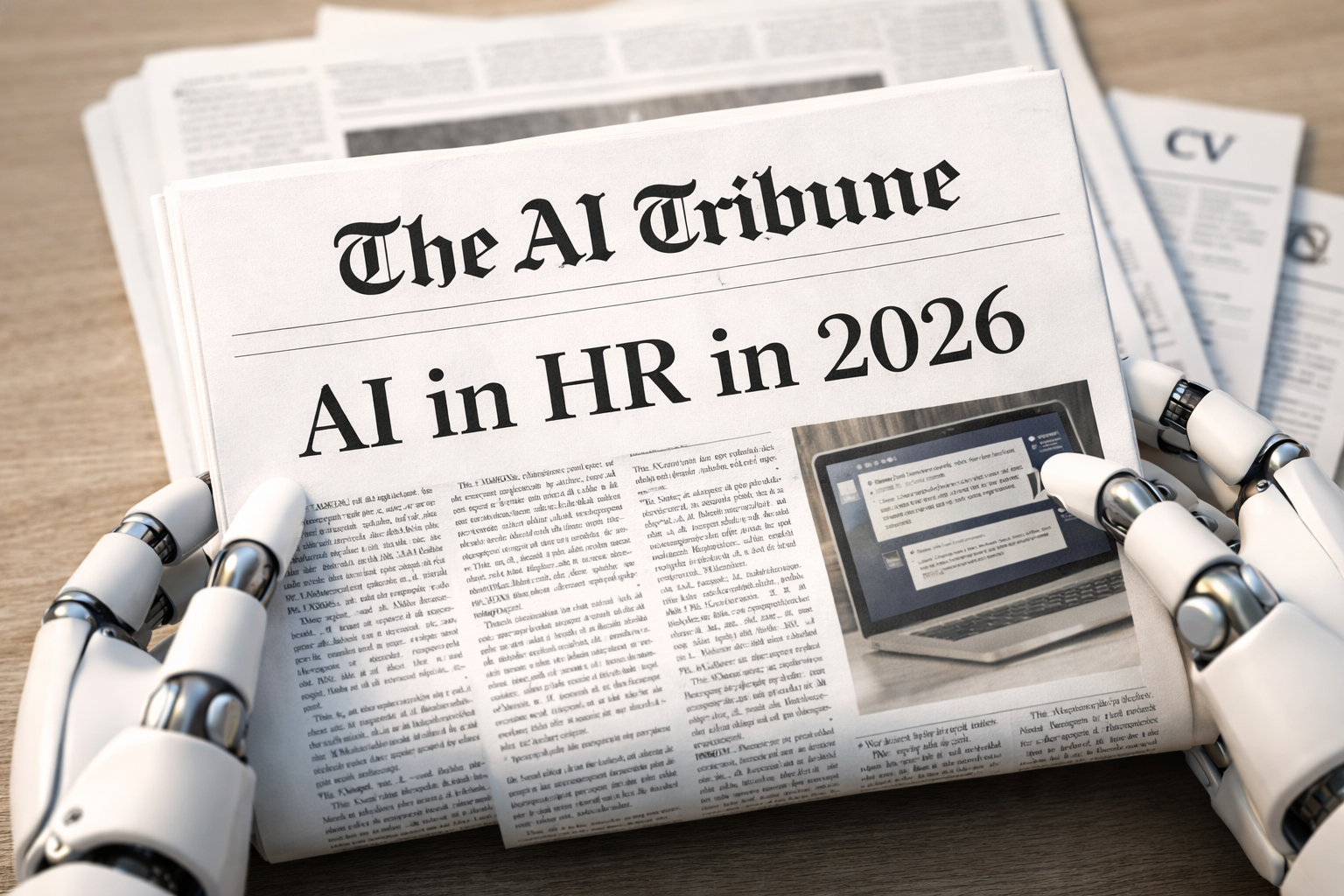
HR teams are getting pulled in two directions: move faster (hire, onboard, answer employees instantly) and don’t mess up (bias, privacy, compliance, reputation). That’s why AI in HR went from “cool experiment” to “board-level conversation.”
But here’s the honest truth: AI can absolutely save time and improve consistency… and it can also quietly create discrimination risk, worsen candidate experience, or give you “confident nonsense” if nobody is checking it.
Let’s break down what’s real, what’s hype, and the AI in HR news you should actually care about.
Quick AI in HR stats (for decision-makers)
- 43% of organizations now use AI in HR tasks (up from 26% in 2024). Recruiting leads: 66% use AI to generate job descriptions and 44% use it to screen resumes. (shrm.org)
- Microsoft/LinkedIn’s Work Trend Index found 75% of knowledge workers were using generative AI (as of 2024)—often without formal company plans. (Microsoft)
- LinkedIn reports companies whose recruiters use AI-Assisted Messaging are +9% more likely to make a “quality hire.” (business.linkedin.com)
- A hard reality check: a large NBER-linked survey reported 80%+ of companies saw no measurable productivity gains from AI yet (early adoption ≠ impact). (Tom’s Hardware)
AI in HR
What “AI in HR” actually includes (not just recruiting)
When people say AI in HR, they usually mean one of these buckets:
- Talent acquisition: sourcing, resume parsing, screening, interview scheduling, job ads, candidate messaging
- HR ops: HR helpdesk chatbots, policy Q&A, ticket routing, form automation
- People analytics: retention risk signals, workforce planning, internal mobility matching
- Performance & learning: personalized learning paths, skill gap analysis, coaching summaries
- Compliance & risk: audit trails, notice/disclosure workflows, bias monitoring
A realistic example I see a lot in modern HR workflows: the team starts with “AI writing job posts,” then quickly expands into “AI screening candidates,” then gets stuck at “legal/compliance wants proof it’s fair.”
That’s why the best HR AI rollouts are usually boring on purpose: one narrow use case, clear guardrails, and measurable KPIs.
Where AI in HR is genuinely paying off (with real-world numbers)
1) Faster hiring cycles (when you don’t over-automate)
A well-known case study: Unilever reported major reductions in hiring time after shifting early screening steps into a more automated, tech-driven pipeline (often cited as a dramatic time-to-hire reduction) and significant time savings at scale. (Reruption)
Takeaway: AI tends to help most in high-volume hiring where delays happen in scheduling, repetitive screening, and communication.
2) HR teams reclaiming hours from repetitive work
IBM has publicly discussed major time savings by automating hundreds of HR tasks (reported as thousands of hours saved over a relatively short window). (Fortune)
Takeaway: The “unsexy” automations (FAQs, routing, document workflows) are often the highest ROI.
3) Better recruiter throughput and response rates
Recruiters using AI to draft outreach and follow-ups can move faster without sounding robotic—if they edit like humans. LinkedIn’s “AI-Assisted Messaging” stat is one of the cleaner data points here. (business.linkedin.com)
What candidates and HR users say (real reviews, not vendor hype)
If you want “street-level reality,” software review sites are helpful because they show patterns:
- HireVue (video interviewing): reviewers often praise usability and efficiency, but some say one-way interviews can feel impersonal. (G2)
- Paradox (Olivia, recruiting assistant): reviews frequently highlight better scheduling/communication and strong support, but note that more complex flows can get tricky. (G2)
- Eightfold (talent intelligence): reviewers praise skills matching and interface, but some mention accuracy and support limitations. (G2)
- Workday (HCM/Talent): often described as comprehensive and powerful, with a learning curve and navigation complexity. (Capterra)
The pattern: HR teams like AI when it removes friction. People dislike it when it makes them feel processed or misunderstood.
The biggest risks (and how HR teams get burned)
Here are the failure modes I see repeatedly:
Bias & discrimination risk
- Regulators and courts are paying closer attention to AI-driven employment decisions. One headline example: litigation and scrutiny around AI-related hiring discrimination claims involving HR software workflows. (Reuters)
“AI wrote it, so it must be true” risk
HR policy answers, benefits explanations, and compliance responses can’t be “maybe correct.” This is where hallucinations become dangerous.
Privacy & data minimization
If AI tools train on employee data, candidate resumes, internal messages, or productivity signals, you need a clean story on what you collect, why you collect it, and how long you keep it.
Recommended internal reading (AI Tribune)
To go deeper on HR-adjacent hiring tech:
- If you’re trying to connect HR AI tools into your recruiting stack, read: Can You Integrate Mock Interview AI With ATS Recruitment Systems?
- If your workforce is anxious about displacement and HR needs a sane narrative, read: Will AI Replace Your Job in 2026? Reality Check
- If HR is involved in vendor risk, procurement, and compliance workflows, this helps: Best AI Agents for Security Questionnaires
AI in HR news
1) AI skills are becoming a career requirement inside companies
A recent example making headlines: Accenture reportedly tied promotions to AI tool usage (tracking log-ins), showing how “AI adoption” is becoming performance-adjacent in large organizations. (The Guardian)
What HR should do with this: If your company is pushing AI hard, HR needs training plans and fairness checks—otherwise you risk creating a new kind of internal inequality (“AI power users” vs. everyone else).
2) AI hiring laws are turning into a patchwork (US + EU)
- NYC Local Law 144 requires bias audits for certain automated employment decision tools, public summaries, and candidate notice. (New York City Government)
- Illinois has taken steps to explicitly address AI-mediated discrimination and notice requirements (effective 2026). (joneswalker.com)
- Colorado’s AI Act (SB24-205) imposes “reasonable care” obligations around algorithmic discrimination for “high-risk” systems (effective in 2026). (leg.colorado.gov)
- In the EU, the AI Act treats many employment/recruiting uses as high-risk, with phased timelines. The official EU timeline points to staged application dates, while ongoing policy proposals have discussed possible delays—so HR leaders should track both the current law and possible amendments. (digital-strategy.ec.europa.eu)
3) Productivity reality check: “We bought AI… now what?”
Recent research coverage suggests many organizations still struggle to show measurable productivity gains from AI, even as adoption continues. (Tom’s Hardware)
HR angle: This becomes a change-management and training problem, not a tool problem.
The practical playbook: how to use AI in HR without chaos
Step 1: Start with one “boring win”
Good first projects:
- Job description drafting (with a DEI/compliance edit pass)
- HR policy Q&A chatbot (restricted to approved docs)
- Interview scheduling automation
- Resume summarization (not automated rejection)
Step 2: Pick 3–5 KPIs and track them monthly
My go-to HR AI KPI set:
- Time-to-fill and time-to-schedule
- Offer acceptance rate (context: acceptance can be weak—one survey reported 56% in studied countries) (mckinsey.com)
- Candidate drop-off rate (especially after automated steps)
- Quality of hire proxy (retention at 90/180 days, manager rating)
- Adverse impact indicators (basic fairness monitoring)
Step 3: Put guardrails in writing (yes, a one-page policy)
Your internal HR AI policy should define:
- What AI can do vs. what humans must do
- What data sources AI can access
- How decisions are reviewed and overridden
- Candidate/employee notice approach
- Vendor accountability and audit rights
Step 4: Don’t “auto-reject” without human oversight
The safest posture in 2026: AI can recommend, humans decide, especially for anything that materially impacts employment outcomes.
FAQ
What is AI in HR?
AI in HR refers to using machine learning and generative AI to support recruiting, onboarding, HR operations, people analytics, performance, learning, and compliance.
Is AI replacing HR jobs?
More often, AI replaces tasks, not the whole job. HR teams that win with AI usually move upmarket into strategy: workforce planning, manager coaching, culture, retention, and risk.
Is AI screening resumes legal?
It depends on jurisdiction and how it’s used. Some places require audits and notices for automated tools (NYC is the most famous example), and broader anti-discrimination laws still apply. (New York City Government)
What’s the safest way to start with AI in HR?
Start with low-risk use cases (drafting, summarizing, scheduling), restrict data access, track KPIs, and add human review before any employment-impacting decisions.
Related reads:


Leave a Reply