
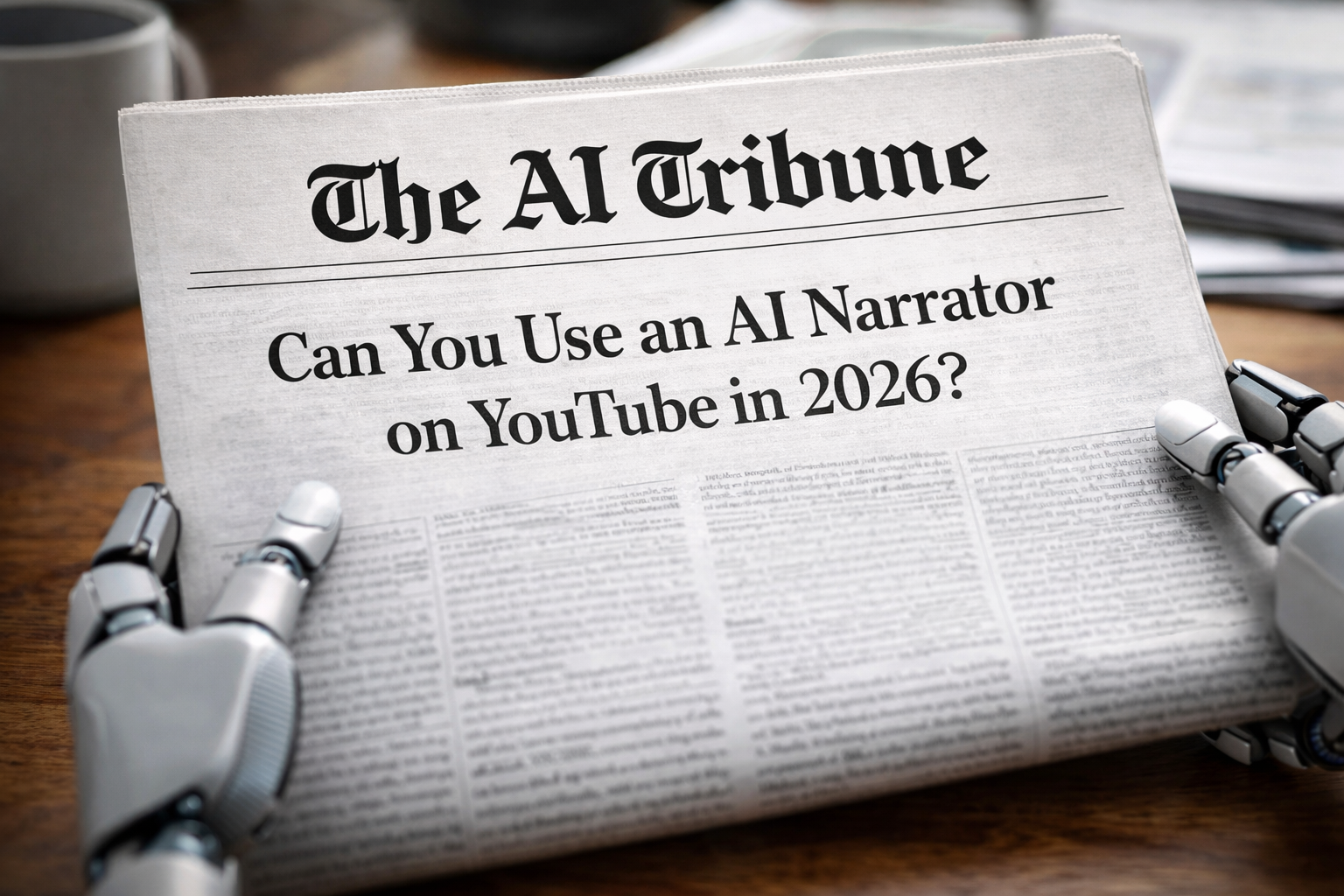
If you’re asking “can I use an AI narrator on YouTube?” the practical answer is yes—and plenty of channels do. The real question is whether you can do it without tripping YouTube’s disclosure rules or monetization (YPP) policies, and whether viewers will stick around long enough to make the channel worth building.
I’ll walk you through what YouTube actually cares about in 2026: authenticity, originality, and transparency—plus a simple workflow that makes AI narration sound less “robot reading Wikipedia.”
🤖 Quick answer: Yes, you can use an AI narrator on YouTube
YouTube does not ban AI narration by default. What YouTube focuses on is whether your channel becomes “inauthentic content” (mass-produced, repetitive, template-style videos) and whether you properly disclose meaningfully altered or synthetic content that looks/sounds realistic. (Google Help)
Here’s the clean, simple rule I’d use:
- AI narration is fine when your video has original scripting, original visuals (or meaningfully transformed visuals), and real value.
- AI narration becomes risky when the channel looks like it’s produced on an assembly line: same format, minimal variation, generic scripts, stock footage loops, and “copy/paste” topics. (Google Help)
My “real world” observation from talking with creators: the channels that get nervous about monetization aren’t the ones using AI voices—they’re the ones using AI voices as a shortcut for everything else (script, visuals, editing, and publishing at scale with near-zero originality).
💰 Will an AI narrator hurt monetization on YouTube?
It can, but not because “AI voice = demonetized.”
What YouTube actually flags: “inauthentic content”
YouTube explicitly defines inauthentic content as mass-produced or repetitive content, including content that looks templated with little variation or content easily replicable at scale—and it can affect your entire channel, not just one video. (Google Help)
What changed recently (and why everyone panicked)
In mid-2025, YouTube updated language around monetization to better identify mass-produced/repetitive content. YouTube later clarified the intent as focusing on spammy “AI slop,” not banning AI tools in general. (The Verge)
And the “AI slop” problem is not small. A widely-circulated study reported that 20%+ of videos shown to new users could be classified as low-quality AI-generated content designed to harvest views, with massive cumulative views and revenue estimates. (The Guardian)
Monetization reality check: your goal is “human signal”
If you want to use an AI narrator and be monetization-safe, stack in obvious “human signals,” like:
- Unique opinions, personal analysis, or original reporting
- Original examples (screenshots, mini tests, your own demos)
- Clear structure and teaching (not a generic read-aloud)
- Consistent voice + channel identity (even if the voice is synthetic)
Also worth remembering: to access ad revenue, YouTube still points creators to standard milestones like 1,000 subscribers + 4,000 watch hours (12 months) or 10M Shorts views (90 days). (YouTube)
🧾 Disclosure rules in 2026: when you MUST disclose AI narration
This is where creators accidentally mess up.
YouTube requires creators to disclose meaningfully altered or synthetically generated content when it seems realistic, using the “altered content” setting during upload. (Google Help)
The easiest way to think about it
You should disclose if your audio (or video) could mislead viewers about “who said what” or “what really happened.”
YouTube’s own examples are super relevant to narrators:
- You don’t need to disclose: cloning your own voice to create voiceovers/dubs (as listed in examples that don’t require disclosure). (Google Help)
- You do need to disclose: cloning someone else’s voice for voiceovers/dubs. (Google Help)
Two big myths to kill
- Myth: “If I disclose, YouTube will suppress my video.”
YouTube says disclosure won’t limit audience or eligibility to earn money. (Google Help) - Myth: “Nobody cares, so I won’t disclose.”
YouTube warns repeated failure to disclose can lead to penalties, including removal of content or even suspension from YPP. (Google Help)
Practical tip (what I’d do even when not required): put a simple line in the description like:
“Narration generated with AI voice. Script and editing by [Channel Name].”
It’s transparency, it reduces viewer suspicion, and it supports your “authentic channel” signal.
If you want the deeper legal/ethics side of voice cloning (especially if you’re tempted to imitate public figures), read: AI voice cloning regulation in 2026.
🎙️ Best AI narrator tools (and what online reviews consistently say)
There are a lot of AI voice tools, but creator feedback tends to repeat the same themes:
- Realism matters, but consistency matters more (especially on long scripts)
- Pronunciation control is the make-or-break feature
- Pricing can surprise you when you scale
Example: ElevenLabs (popular for YouTube narration)
On G2, ElevenLabs shows an average 4.5/5 rating across 1,144 reviews. (G2)
A recent review highlights “incredibly realistic and natural” voices and emotional range—but also notes pricing and occasional consistency issues in longer paragraphs. (G2)
Another independent review echoes a common creator complaint: the narration is clean and natural, but you may need small manual fixes for tricky terms, and pricing can feel high at volume. (devopscube.com)
If you want a tool-focused deep dive, here’s my internal reference on AI Tribune: ElevenLabs review 2026.
What I’d compare before choosing any AI narrator
- Long-form stability (does it drift mid-script?)
- Pronunciation tools (custom dictionary, phonetic spelling, pause controls)
- Commercial rights (especially if you’re monetizing)
- Voice uniqueness (avoid “same voice everyone uses”)
- Speed + workflow (batch generation, API, editing tools)
✅ A monetization-safe workflow for AI narration on YouTube (step-by-step)
If you copy one part of this article, copy this.
Step 1: Write a script that doesn’t sound like a textbook
AI narration amplifies bland writing. If your script is generic, the AI voice will sound more generic.
Quick fix: write like you talk:
- Short sentences
- Natural transitions (“Okay, here’s the weird part…”)
- Specific examples (numbers, screenshots, actual steps)
If you want help prompting scripts that perform well, see: Best AI prompts for creating viral videos on YouTube.
Step 2: Add “human texture” before you generate audio
Before generating voice, add:
- Parentheses for tone: (serious), (excited), (pause)
- Short emphasis cues: bold words in your script as reminders
- A pronunciation list at the top (brand names, weird terms)
Step 3: Generate the narration, then edit like a podcast
Even if the AI voice is excellent, do basic cleanup:
- Remove overly perfect timing (add pauses)
- Fix mispronounced names
- Normalize loudness (keep it comfortable)
- Add subtle background (light music/room tone) so it doesn’t feel sterile
Step 4: Avoid the “stock footage loop” trap
This is where channels start looking “mass-produced.”
If you’re using AI narration, try to pair it with:
- Your own screen recordings
- Original charts or on-screen bullet summaries
- Real examples (before/after, demos, comparisons)
It’s not about expensive production—it’s about making the video feel made, not manufactured. (Google Help)
Step 5: Decide if you should disclose
Ask:
- Does this voice mimic a real person?
- Does it make someone appear to say something they didn’t?
- Could viewers reasonably mistake the audio as real?
If yes → disclose with YouTube’s “altered content” setting. (Google Help)
FAQ: Can I use an AI narrator on YouTube?
Can I monetize a channel that uses AI narration?
Yes, if the channel is original and not mass-produced or repetitive. The biggest risk is falling under “inauthentic content” at the channel level. (Google Help)
Do I have to disclose AI narration?
Not always. But you must disclose content that is meaningfully altered/synthetic and realistic in a way that could mislead viewers—especially voice cloning of someone else. (Google Help)
Will disclosing AI content reduce reach?
YouTube says disclosure itself doesn’t reduce eligibility to earn money or limit audience. (Google Help)
Is it safe to use a celebrity-like AI narrator voice?
That’s where things get legally and ethically messy fast. Even if you can generate it, it can trigger disclosure requirements, platform enforcement, or rights issues. (Google Help)
What’s the #1 mistake with AI narrator channels?
Treating the AI voice as the “value,” instead of using it as a delivery tool for original insight.
Final take: AI narration isn’t the problem—“factory content” is
YouTube is swimming in uploads (and AI-assisted uploads), and it’s trying to protect viewers and advertisers from low-effort spam. That’s why you’re seeing more discussion around “inauthentic content” and “AI slop.” (The Guardian)
So yes—you can absolutely use an AI narrator on YouTube in 2026.
But if you want it to last:
- Make the scripts yours
- Make the visuals feel intentional
- Disclose when it’s realistic and could mislead
- Build a channel identity that’s more than a voice preset


Leave a Reply